- AI Platforms & Assistants
Easy as 1,2,3
Comments (0) ()When you purchase through links on our site, we may earn an affiliate commission. Here’s how it works.
 (Image credit: Getty Images / NurPhoto)
Adobe just launched a whole suite of editing products into ChatGPT, and the best bit is that they are available for free.
I decided to give Photoshop in OpenAI's chatbot a try, opting to see if it's really better than opening up my app just to remove the background from a product image to create a header image at work.
You may like-
 Creating images with ChatGPT is fun and these tips will make them better
-
 ChatGPT now runs apps – and it’s about to go from chatbot to full-on operating system
-
 Chatbots are no longer just a novelty – here’s how ChatGPT, Gemini, and Copilot are helping you get through the day
To enable these features in ChatGPT open Settings, then Apps & Connectors, and enable each Adobe product.
1. Photoshop background removal
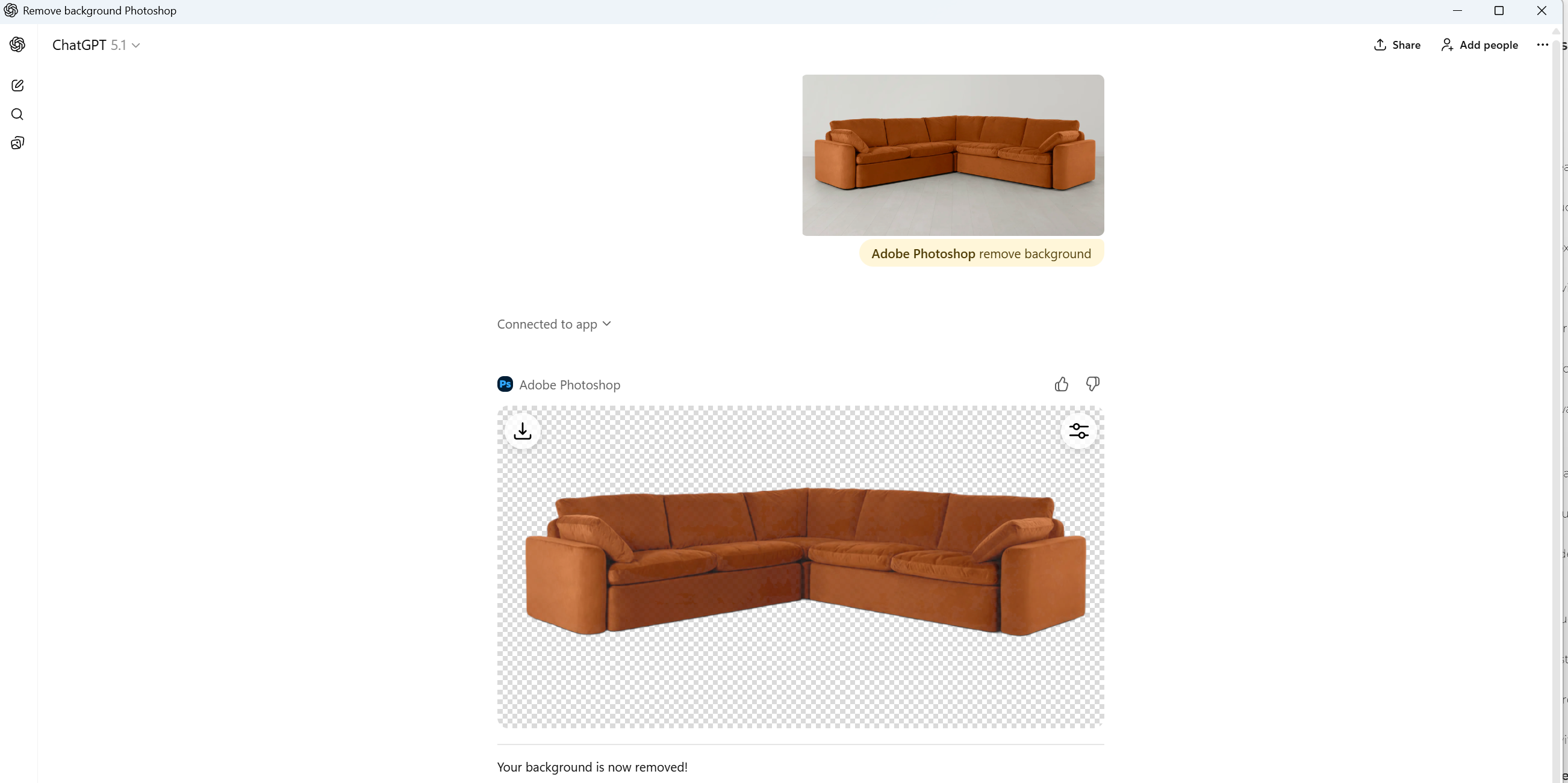
I’ve used Photoshop for years, and I still find half the tools confusing, so being able to type “brighten the face” and get a perfect adjustment feels like cheating. ChatGPT taps into proper Photoshop tools, so the edits actually look good, not like AI slop.
You can fix exposure, sharpen details, add effects, or tidy up messy backgrounds. If you want more control, sliders pop up so you can fine-tune things. It’s the sort of quick edit that normally takes five minutes, done in five seconds.
Get daily insight, inspiration and deals in your inboxContact me with news and offers from other Future brandsReceive email from us on behalf of our trusted partners or sponsorsBy submitting your information you agree to the Terms & Conditions and Privacy Policy and are aged 16 or over.The best bit, however, is being able to remove the background from images in a split second without the need for any extra software. Simply type "Adobe Photoshop remove background", upload an image, and click go. Easy peasy.
2. Express for quick graphics
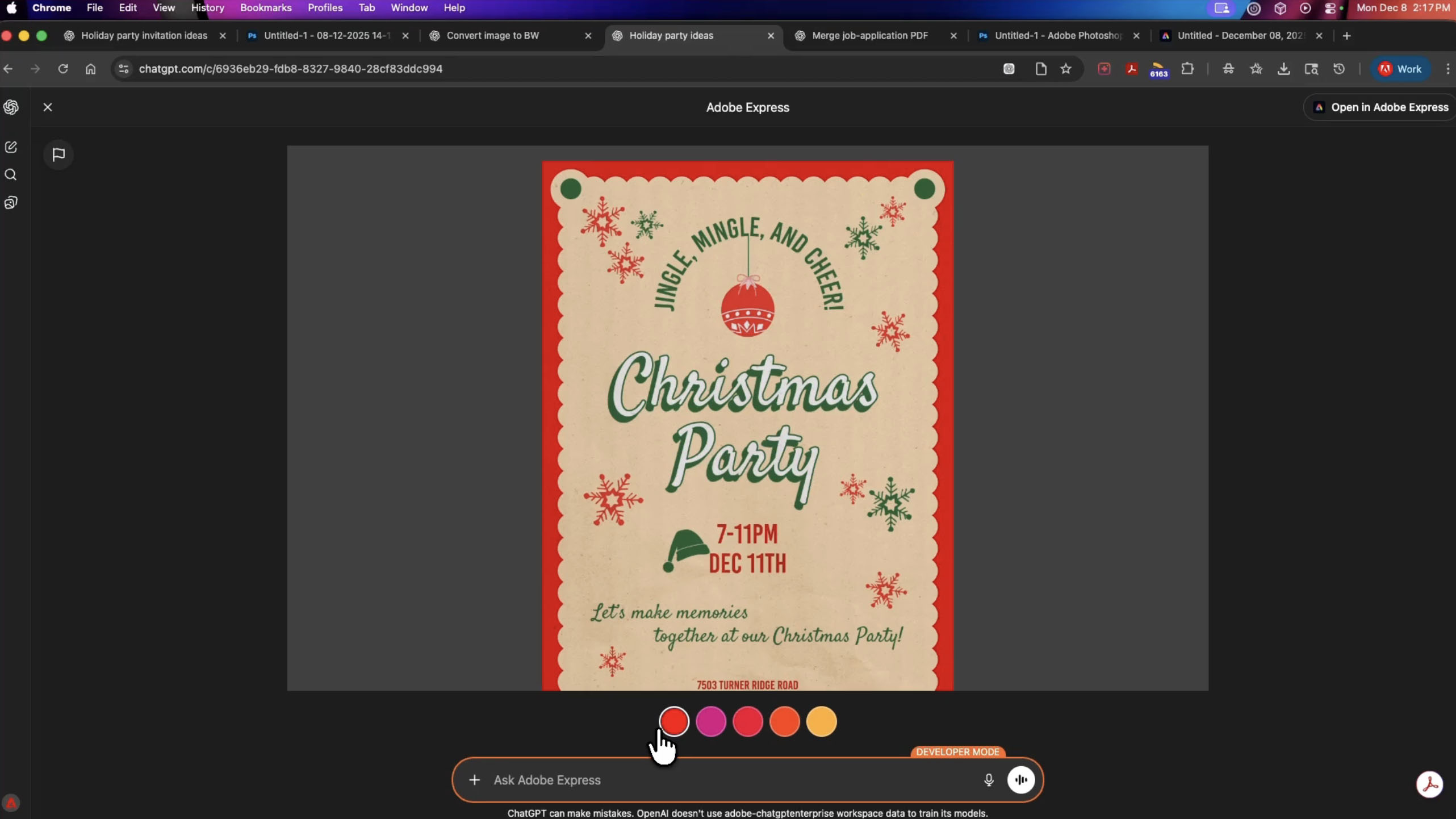
I’m constantly making quick graphics for articles, and Adobe's Express ChatGPT integration shocked me the most. You can ask ChatGPT to create a design, pull in templates from Adobe Express, and adjust everything on the fly – fonts, colors, images, animations, the lot.
It’s perfect if you want something that looks polished but don’t have the time to mess around in another app. The whole thing happens right where you’re already chatting, which makes the workflow feel weirdly natural.
You may like-
Creating images with ChatGPT is fun and these tips will make them better
-
ChatGPT now runs apps – and it’s about to go from chatbot to full-on operating system
-
Chatbots are no longer just a novelty – here’s how ChatGPT, Gemini, and Copilot are helping you get through the day
I followed Adobe's example to create a Christmas party invite, and something that would've taken me a good hour now can be done in a split second – impressive.
3. Acrobat PDF editing
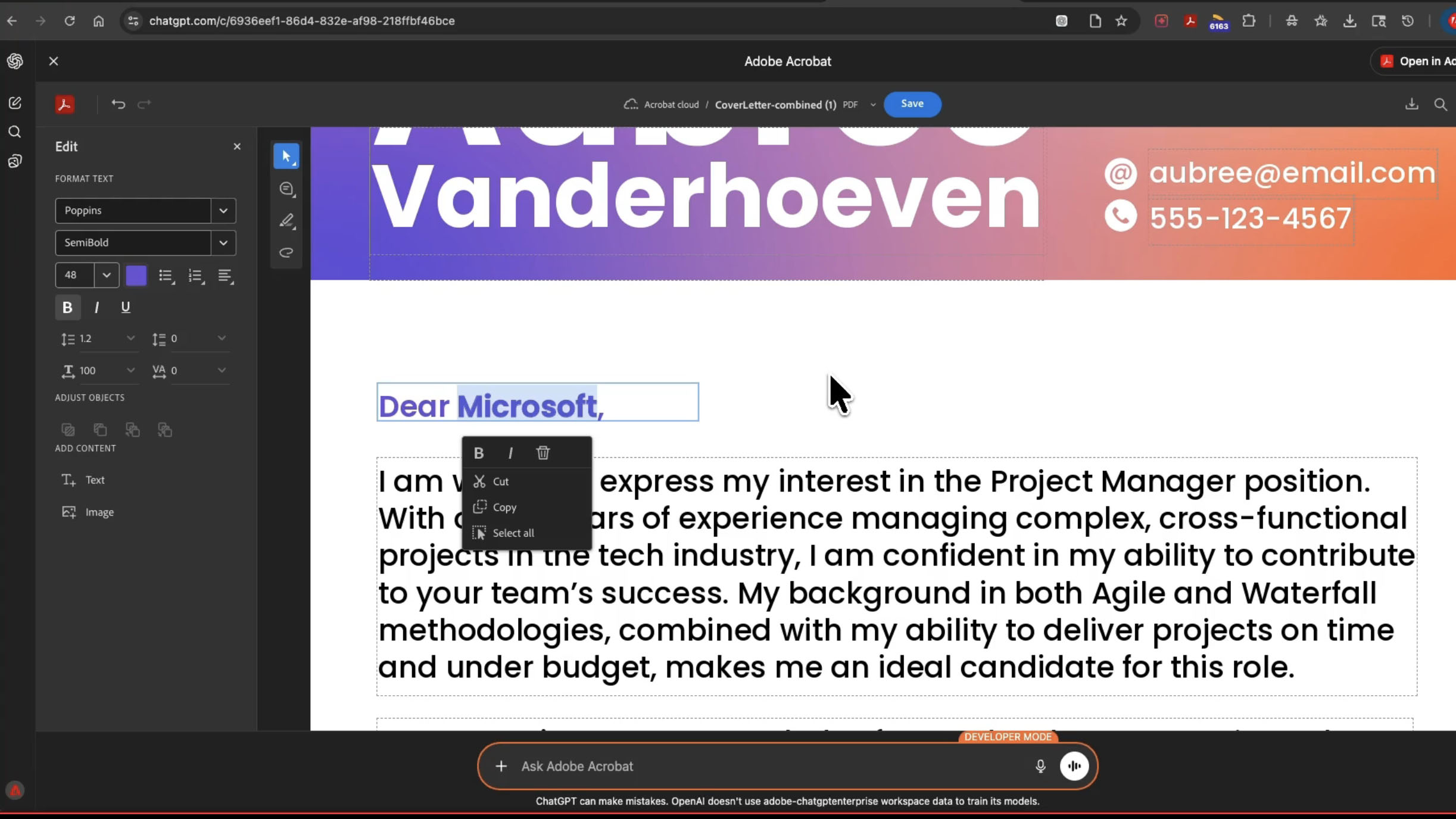
This one might be less glamorous, but it’s easily the feature I’ll use the most. Acrobat tools are now built into ChatGPT too, so you can fix PDF text, edit images, merge documents, extract data, compress huge files, and even redact sensitive info.
It turns all the annoying little work tasks into quick voice or text-based commands. I decided to test it out by uploading a PDF draft of an article I wrote, and thanks to Acrobat, I was able to edit directly from within the PDF, something I've always wanted to be able to do in ChatGPT.
This addition to ChatGPT might be less flashy than Photoshop's inclusion, but I think a lot of people will fall in love with this newfound ability.
Follow TechRadar on Google News and add us as a preferred source to get our expert news, reviews, and opinion in your feeds. Make sure to click the Follow button!
And of course you can also follow TechRadar on TikTok for news, reviews, unboxings in video form, and get regular updates from us on WhatsApp too.
 The best business laptops for all budgetsOur top picks, based on real-world testing and comparisons
➡️ Read our full guide to the best business laptops1. Best overall:Dell Precision 56902. Best on a budget:Acer Aspire 53. Best MacBook:Apple MacBook Pro 14-inch (M4)
TOPICS AI Adobe Photoshop CATEGORIES Creative Software Computing Software John-Anthony DisottoSocial Links NavigationSenior Writer AI
John-Anthony Disotto is TechRadar's Senior Writer, AI, bringing you the latest news on, and comprehensive coverage of, tech's biggest buzzword. An expert on all things Apple, he was previously iMore's How To Editor, and has a monthly column in MacFormat. John-Anthony has used the Apple ecosystem for over a decade, and is an award-winning journalist with years of experience in editorial.
You must confirm your public display name before commenting
Please logout and then login again, you will then be prompted to enter your display name.
Logout Read more Creating images with ChatGPT is fun and these tips will make them better
 ChatGPT now runs apps – and it’s about to go from chatbot to full-on operating system
 Chatbots are no longer just a novelty – here’s how ChatGPT, Gemini, and Copilot are helping you get through the day
 I tried 70+ best AI tools in 2025
 ChatGPT gets apps: now you can book a trip, build slides, and make Spotify playlists without leaving the chat
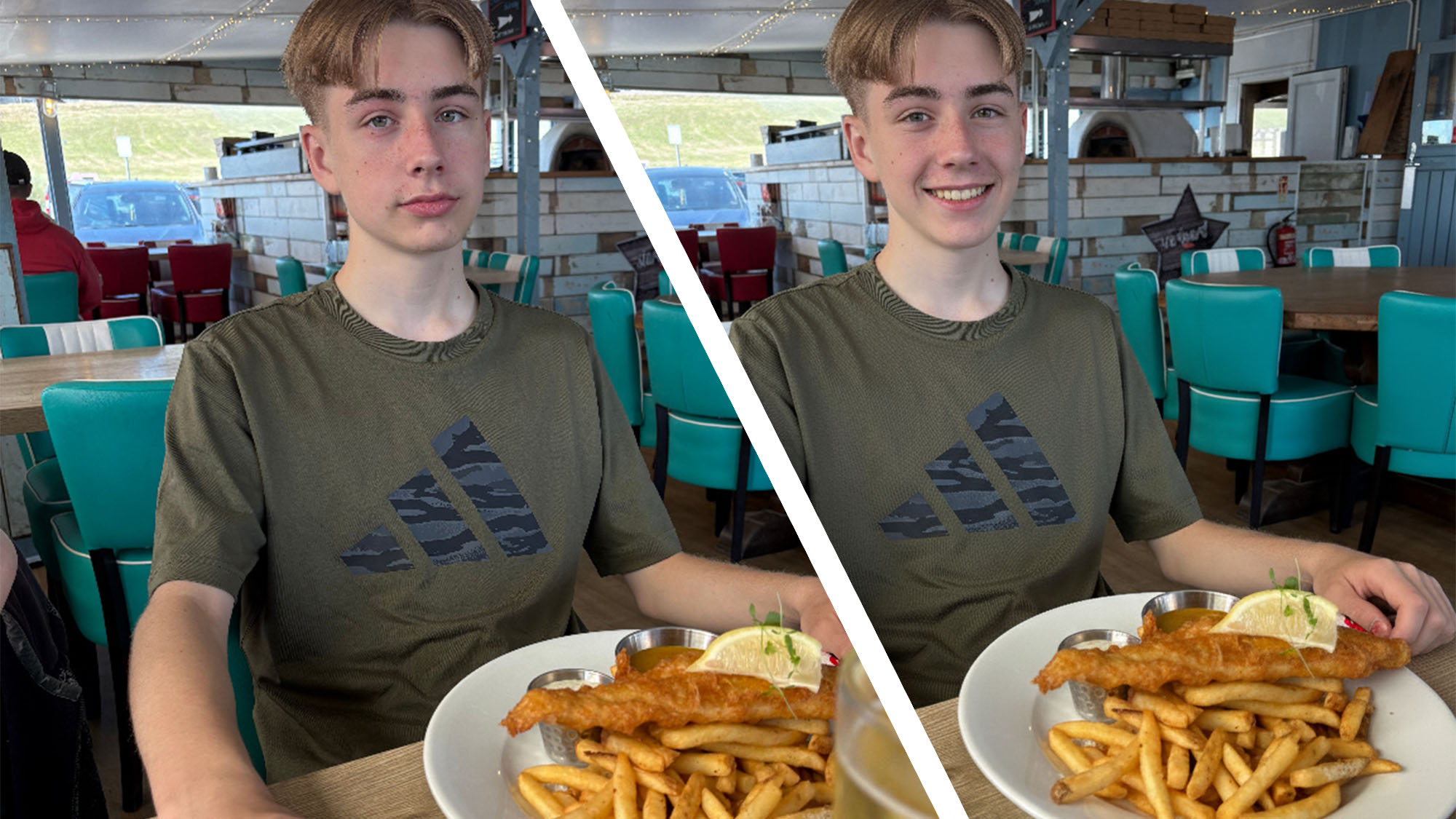 I rescued this photo using Nano Banana - here's how to salvage an image using the best AI image generation tool
Latest in AI Platforms & Assistants
I rescued this photo using Nano Banana - here's how to salvage an image using the best AI image generation tool
Latest in AI Platforms & Assistants
 Opera Neon is now available, and I think it's an AI subscription worth paying for
 Hinge adds AI inspiration for starting conversations
 McDonald’s ends AI-generated Christmas commercials
 The future of Amazon has arrived – Alexa+ can now order products for you
 Adobe Photoshop is now built into ChatGPT for free
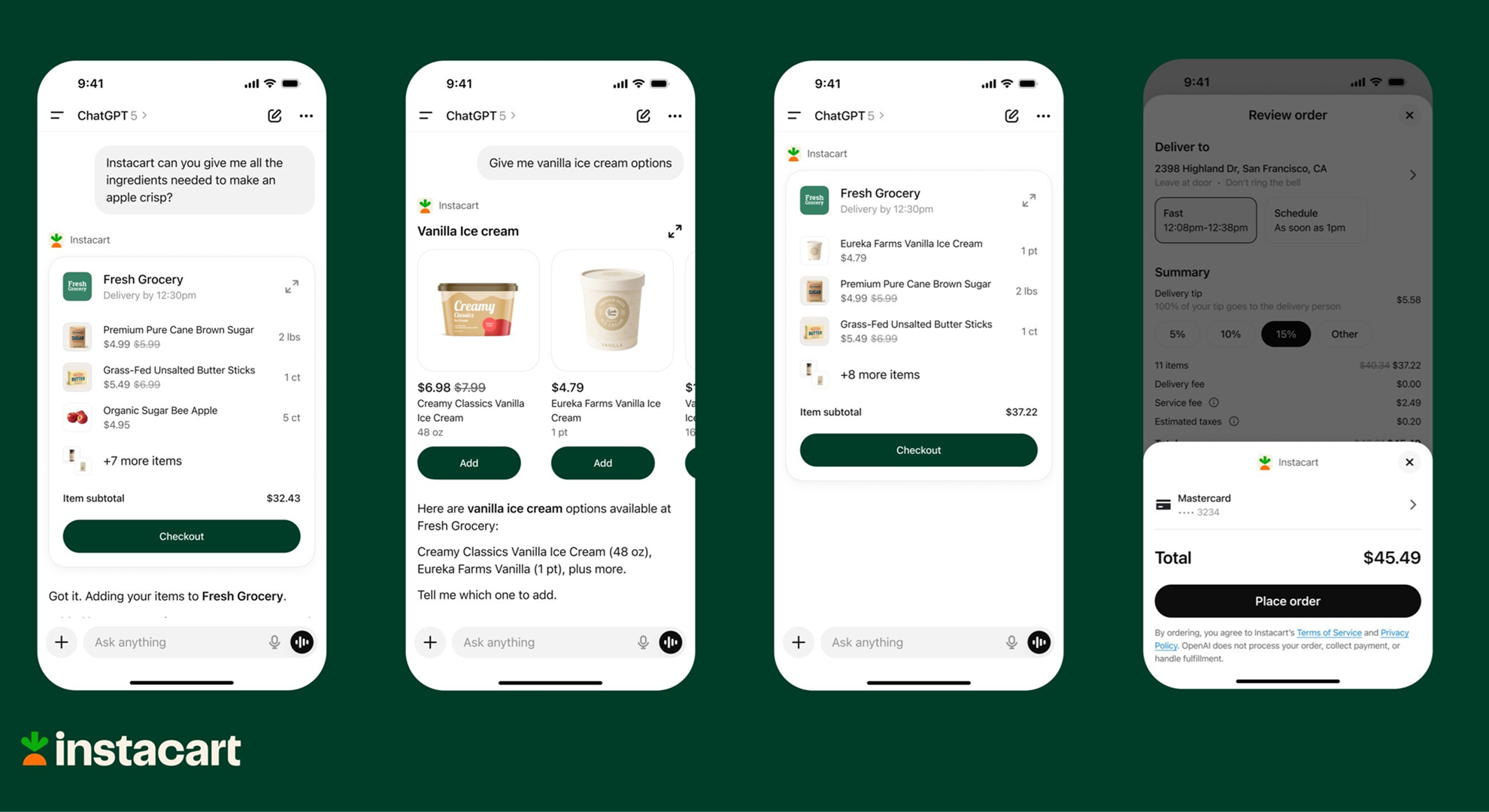 Instacart turns ChatGPT into instant grocery store
Latest in Features
I tried Photoshop in ChatGPT — it's an awesome free AI superpower
Instacart turns ChatGPT into instant grocery store
Latest in Features
I tried Photoshop in ChatGPT — it's an awesome free AI superpower
 Jennifer Lawrence's return to Hunger Games: Sunrise on the Reaping is spoiled
 5 essential stretches you should be doing every day, according to an expert
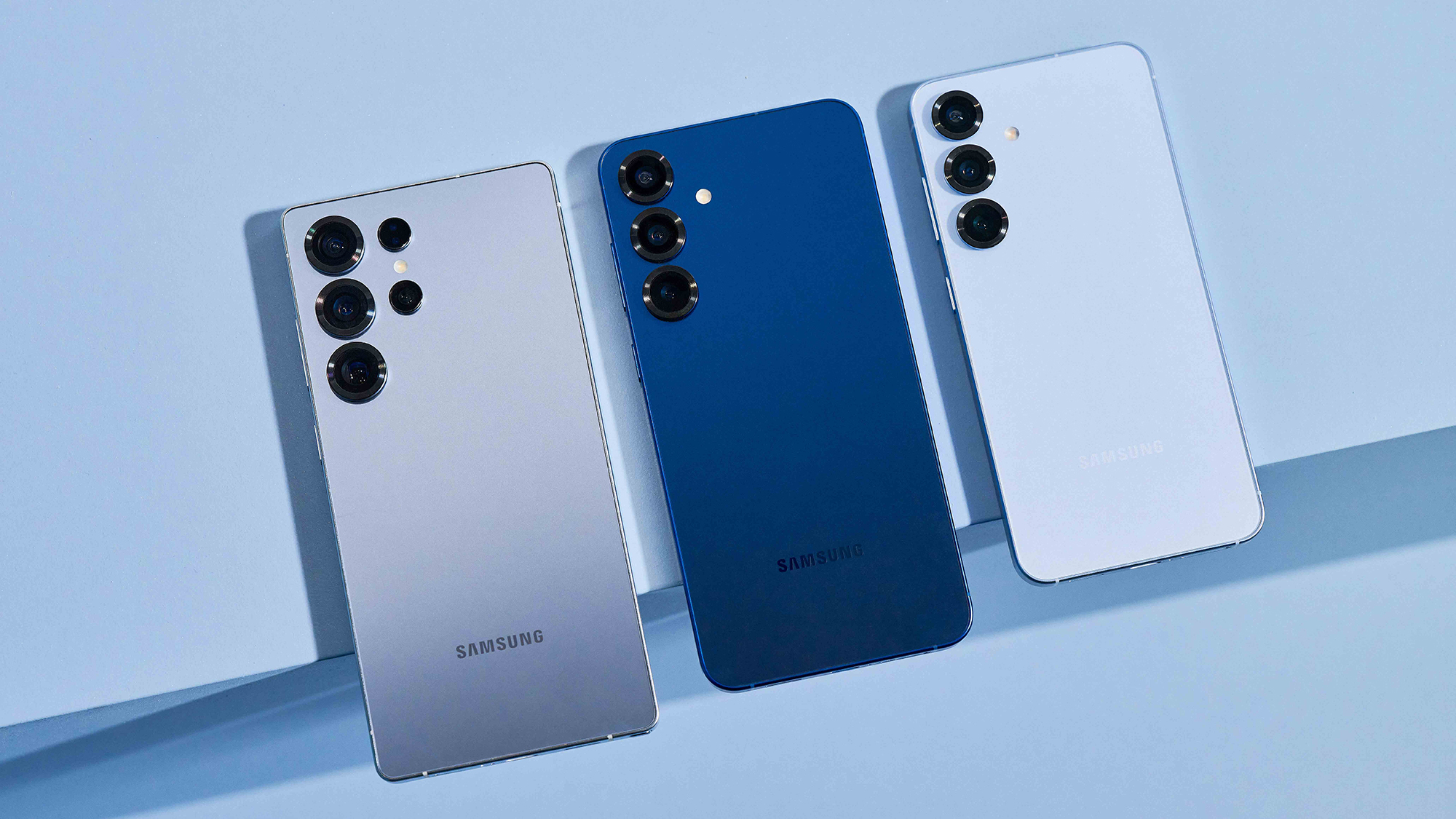 5 rumored Samsung Galaxy S26 upgrades – from chipset surprises to magnetic charging
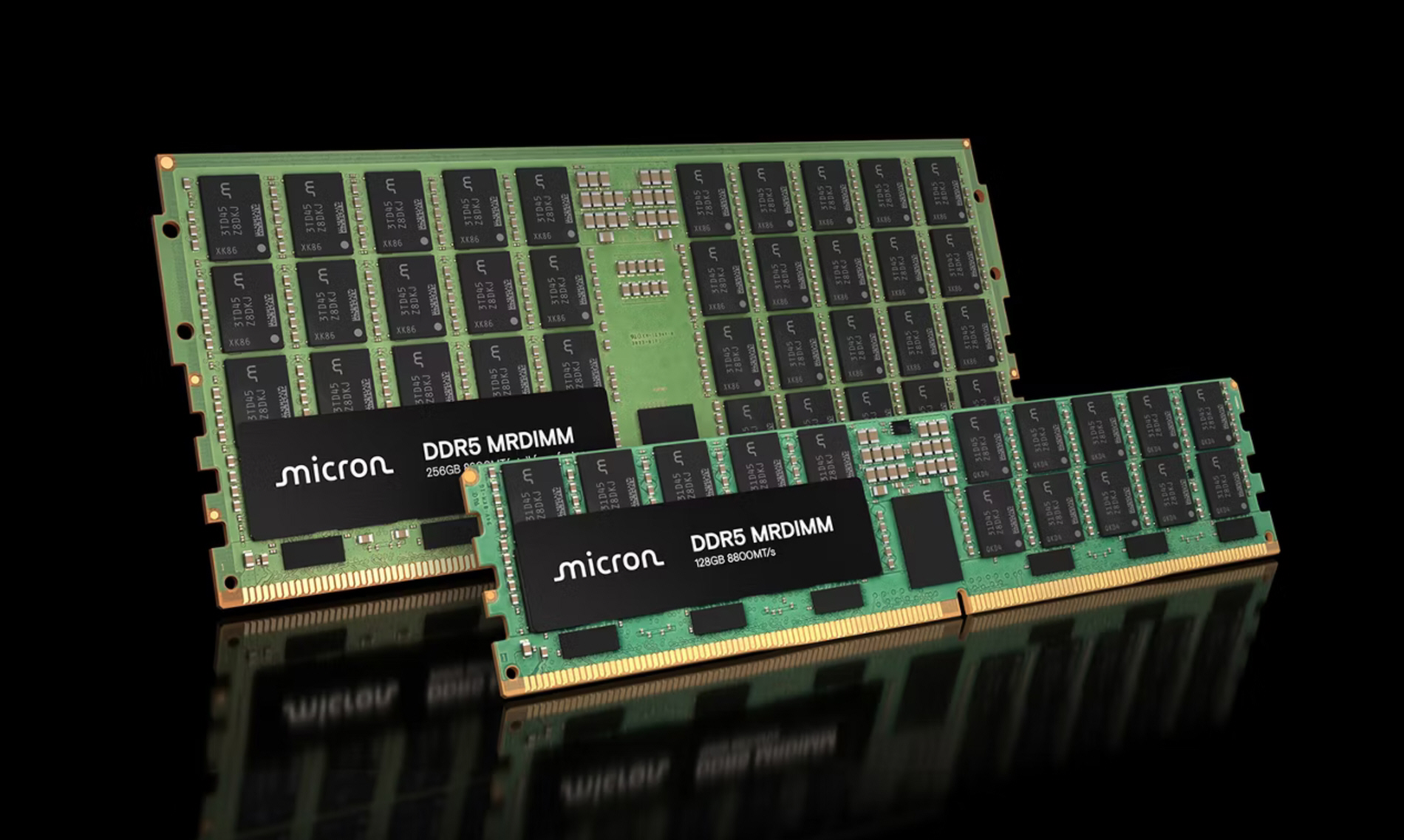 Why is RAM so expensive right now? It's way more complicated than you think
 The Wix sale is back for a limited time - save a massive 50% on select Wix plans
LATEST ARTICLES
The Wix sale is back for a limited time - save a massive 50% on select Wix plans
LATEST ARTICLES- 1I tried Photoshop in ChatGPT — it's an awesome free AI superpower
- 2Google DeepMind partners with the UK government for 'science breakthroughs, cleaner energy'
- 3The Galaxy Z TriFold has a neat PC trick that could justify its price tag
- 4Spotify just launched its most powerful playlist creator yet – here are 3 things you should know about Prompted Playlists
- 5Opera Neon is now available, and I think it's an AI subscription worth paying for