
- AI Platforms & Assistants
The world through neon lights
Comments (0) ()When you purchase through links on our site, we may earn an affiliate commission. Here’s how it works.
 (Image credit: Opera)
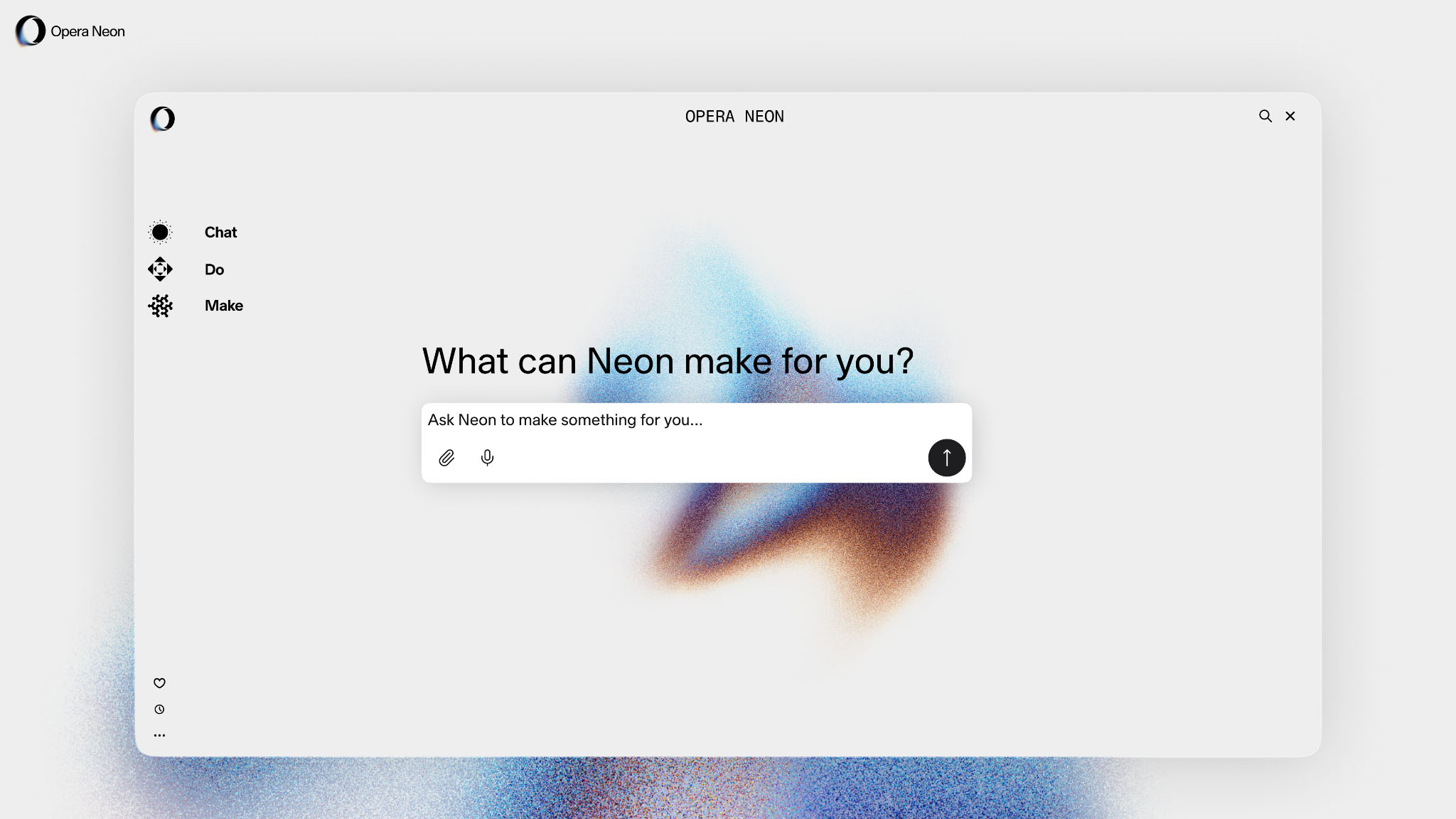
When I first played around with Perplexity’s Comet browser earlier this year, I called it “a glimpse into the future of AI-powered web browsers." Now, Opera Neon is finally available for everyone to download, and it feels like that future is no longer creeping towards us. - It's here.
Neon does not just add an AI button to your toolbar and call it innovation. It is a proper agentic workspace powered by some of the best models you can use right now, including Gemini 3 Pro, GPT-5.1, Veo 3.1, and the brilliantly named Nano Banana Pro. All of this comes under a single $19.90 monthly subscription, which means the browser is not simply answering questions. It is actually doing things for you.
You may like-
 Claude Opus 4.5 is now live and "meaningfully better" at everyday tasks
-
 I just tried the Comet browser from Perplexity – and I can’t believe it’s free now
-
 I've been using ChatGPT Atlas for 24 hours, and if you’re happy to give Sam Altman control over your life, you’re going to love it
Chat, Do, Make
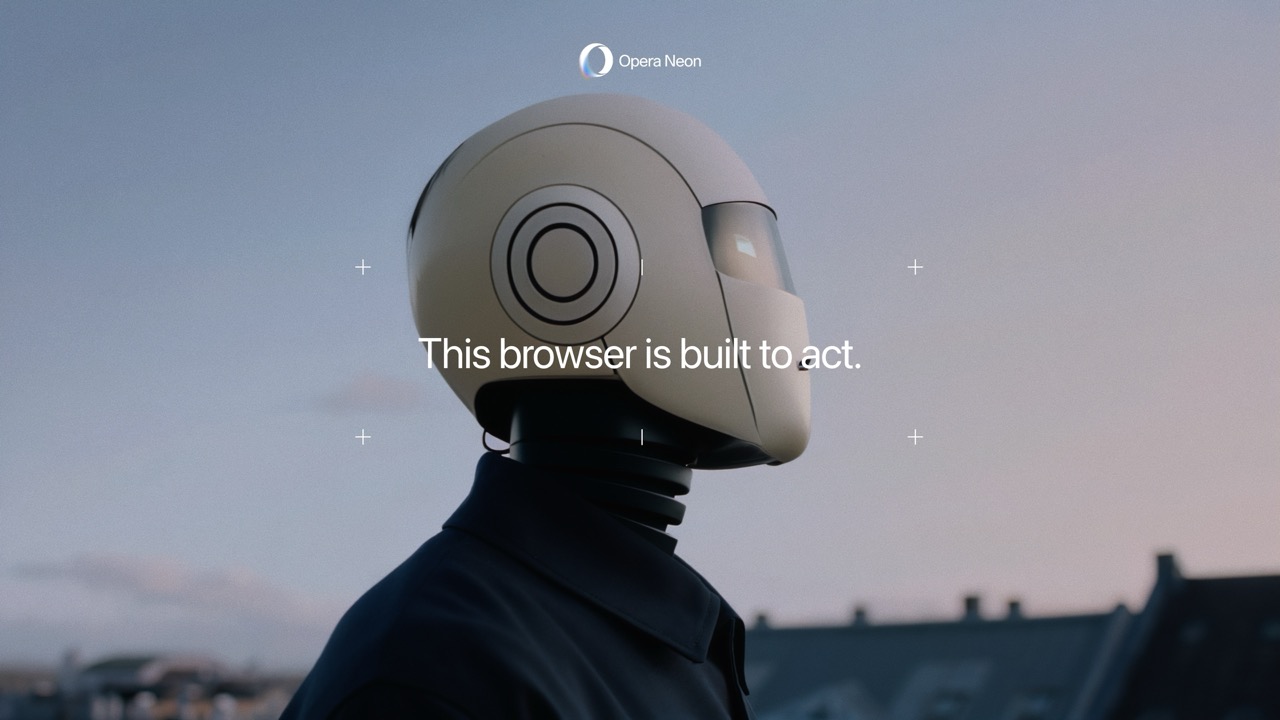
Opera says Neon is a web browser “built to act.” That’s marketing speak, but it isn’t wrong. The interface revolves around three core ideas: Chat, Do, and Make. Chat handles your conversations with the built-in AI, Do lets the browser perform actions for you, and Make gives you a space to build and publish small web projects that live on Opera’s servers.
Think of Chat like your typical AI chatbot experience, akin to ChatGPT Search, while Do is more like that of Perplexity’s Comet, where Neon will browse the web for you, completing tasks in a tab while you do other, more pressing things. Make, on the other hand, is like having a simple coding program available at all times, and even better, it can pull info from tabs you show it to complete what you’re trying to do.
Where most browsers are designed around consumption, Neon’s layout and philosophy push you toward creation. It gives you “Tasks” instead of simple tab groups, and “Cards” instead of bookmarks, both built to help you think in projects rather than pages.
Get daily insight, inspiration and deals in your inboxContact me with news and offers from other Future brandsReceive email from us on behalf of our trusted partners or sponsorsBy submitting your information you agree to the Terms & Conditions and Privacy Policy and are aged 16 or over.When you start to use it, the shift feels subtle. You open Neon like any other browser, but soon you’re thinking up ideas on how to best use the AI tools to help you make the most of the internet.
Building my own curated TechRadar feed
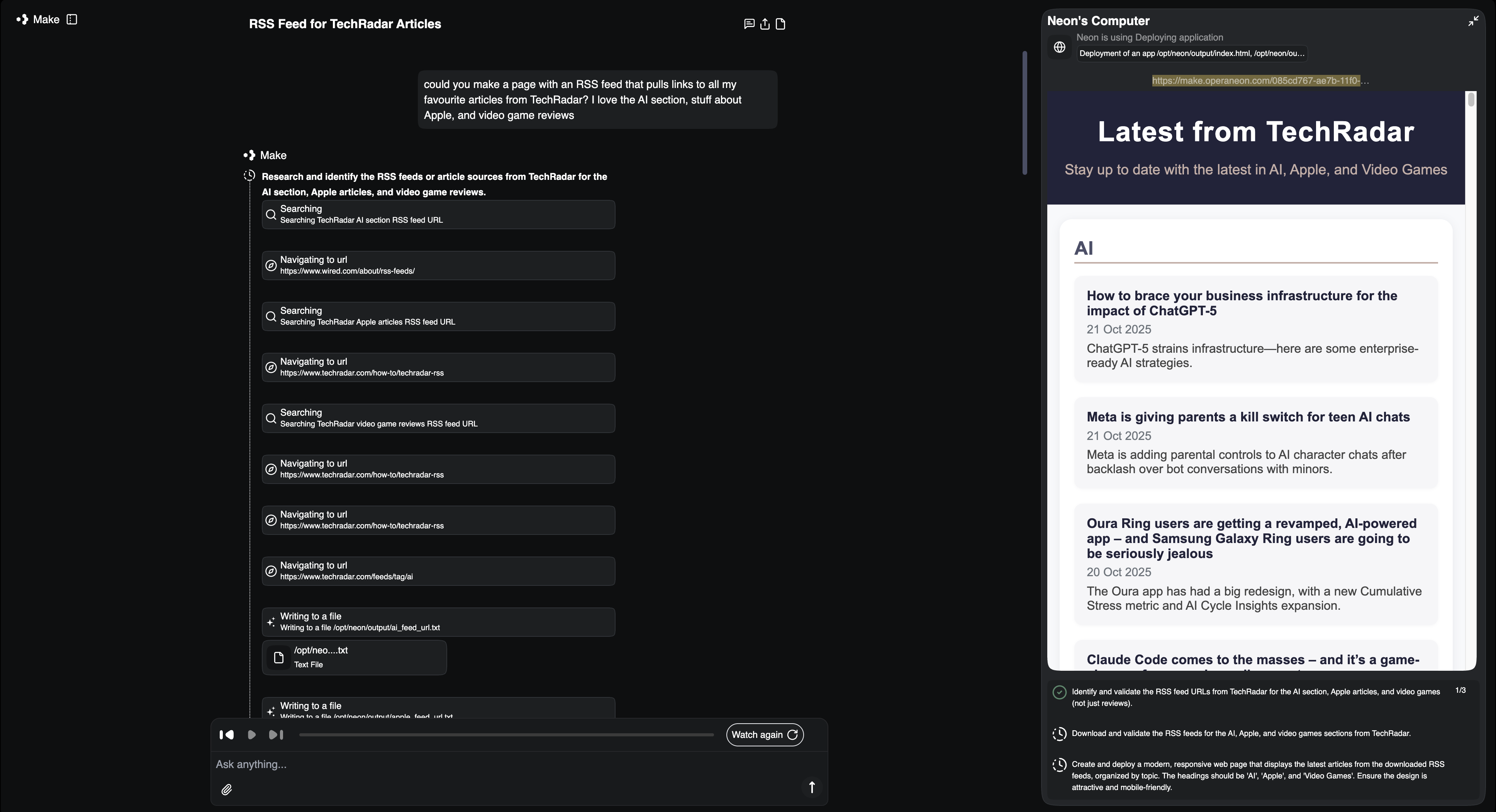
When thinking up my first project for Neon, I decided to keep it in-house and make a simple webpage that shows the TechRadar news I’m most interested in: AI, stuff about Apple, and TechRadar Gaming stories.
In Neon’s Make mode, I simply told the browser what I wanted. It pulled in a few sample templates and generated a structure I could edit in real time. Within 10 minutes or so, I had a clean little page that listed the most recent TechRadar stories, complete with headlines, summaries, and links. You can see it here: TechRadar RSS Feed.
You may like-
Claude Opus 4.5 is now live and "meaningfully better" at everyday tasks
-
I just tried the Comet browser from Perplexity – and I can’t believe it’s free now
-
I've been using ChatGPT Atlas for 24 hours, and if you’re happy to give Sam Altman control over your life, you’re going to love it
It’s a simple build, but it does exactly what I need: curating my favorite TechRadar sections into one and allowing me to quickly glance through the best articles to get an overall sense of what’s going on in the world of AI, Apple, and video games.
Neon is so easy to use, and that’s where it really stands out from its less intelligent competition. In Chrome or Safari, I’d need extensions, scripts, or third-party tools to have an RSS feed built into my bookmarks. Here, it’s part of the Neon browser experience, and best of all, you’re not forced to build anything if you don’t want to. The AI is available when you need it, but that doesn’t mean it needs to be part of every single online interaction you have via Neon.
A simple list to track video games
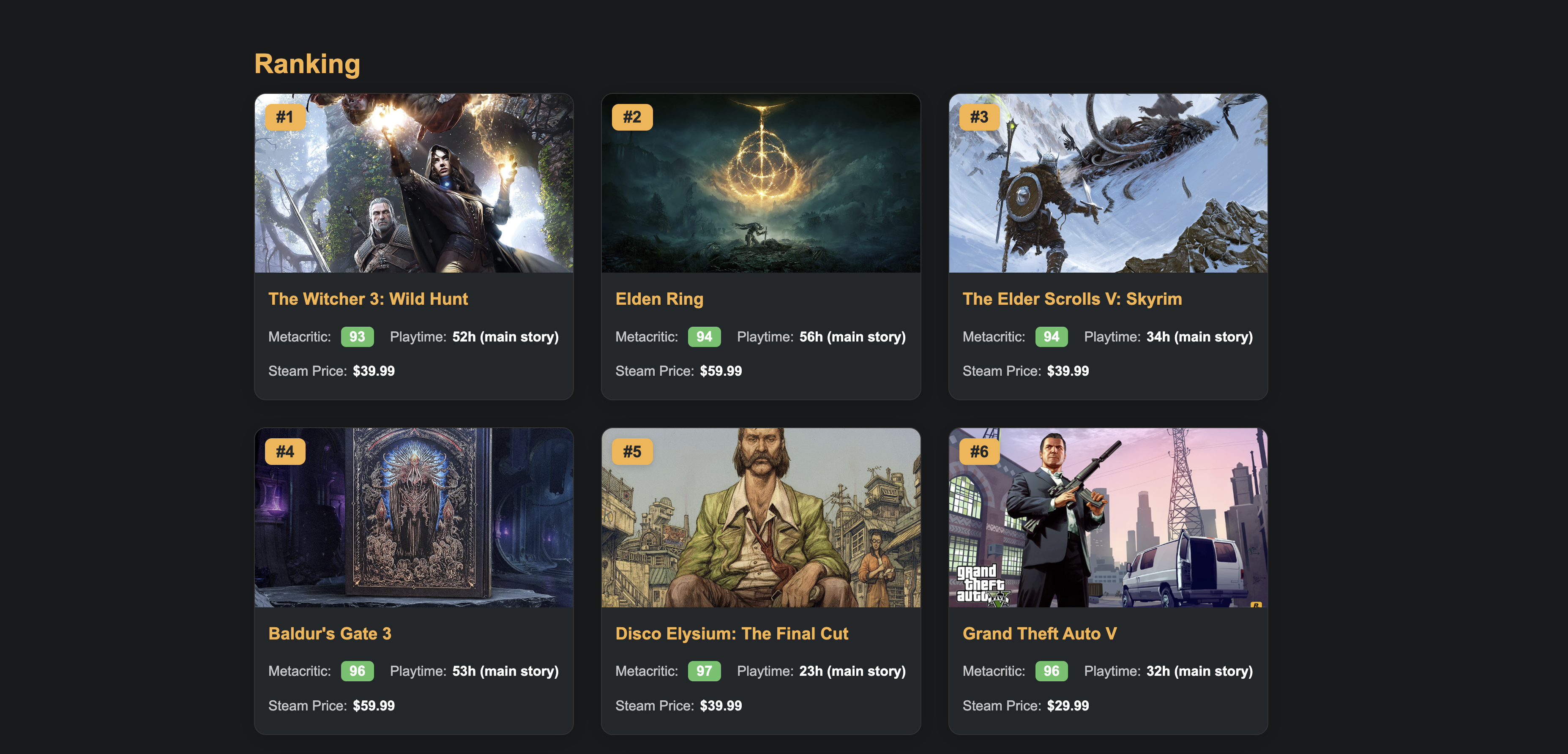
After reading PC Gamer’s Top 100 PC games of 2025, I wanted to create a simple list of the most widely acclaimed RPGs (Role-Playing Games) from the last few decades. I recently built a gaming PC, and as I venture into the overwhelming world of Steam, I thought it would be neat to have a simple webpage with important information all merged into one.
I decided to ask Neon to make a list that took the 20 best-reviewed RPG games on PC based on their Metacritic aggregate, add information from HowLongToBeat so I could get a sense of how big each game was, and then give me the current price on the Steam Store.
While this is a very simple list, it’s my list, and I can update it over time when I complete games or want to play new ones. Neon’s ability to build and host webpages feels like a superpower, allowing you to create as many bookmarks as you see fit with tidbits of information that are important to you.
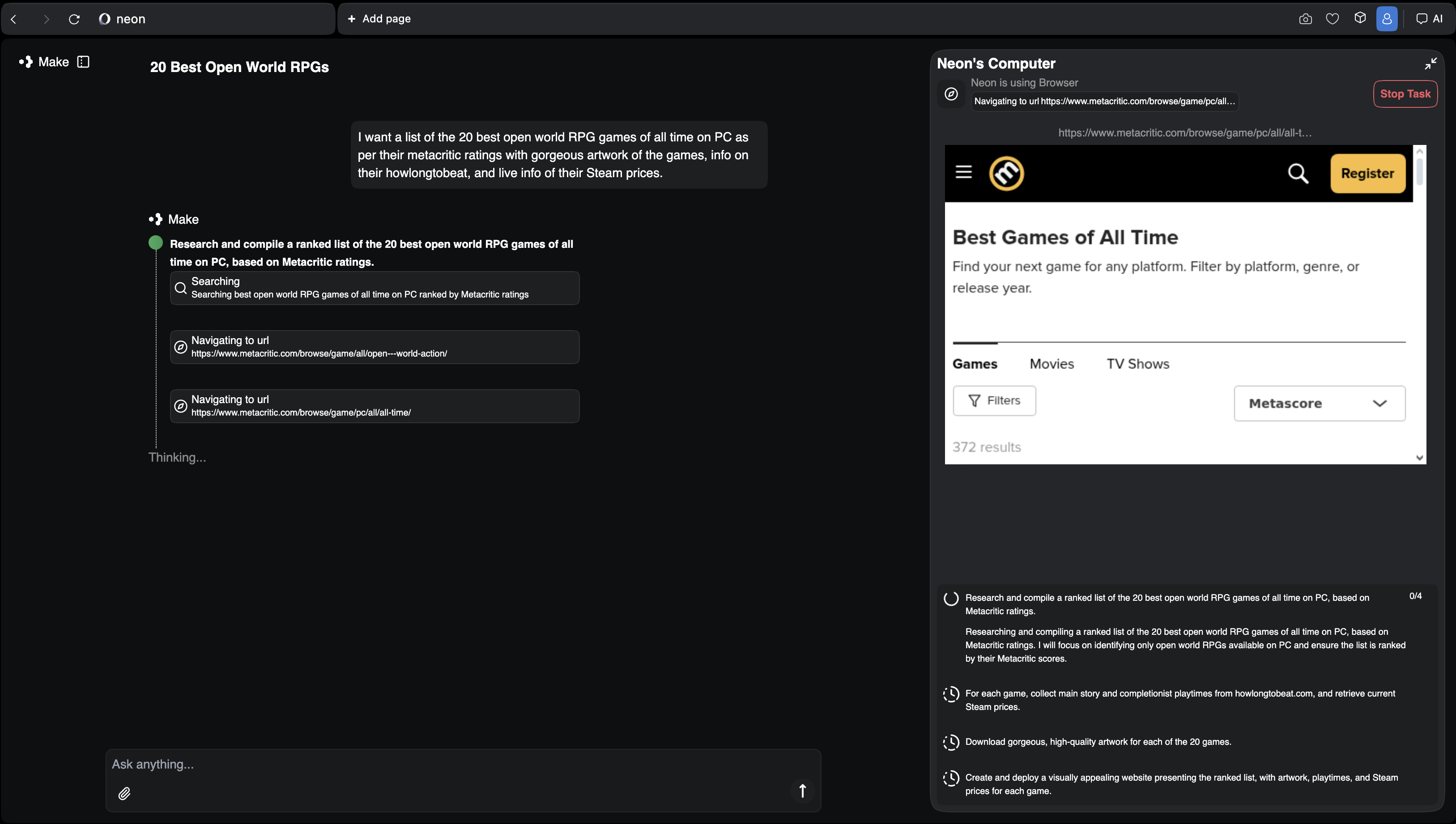
Weirdly, building a simple webpage via Neon feels similar to creating my first Bebo over two decades ago, where I could own my own space on the internet and make it appear exactly how I saw fit. With Neon, I can jot down any idea that comes to mind, and in a short timeframe, the AI browser will have created my own personal space with the information I’ve decided to give it.
Neon isn’t perfect by any means. For example, whenever my computer went to sleep while I was away from my desk during a task, it disconnected from the server, and I’d have to start again, remembering not to let it sleep or leave my desk. And it’s pretty slow, in fact, I’d say in that respect it lags behind Perplexity’s Comet, just for its sheer snappiness in completing tasks for you.
The difference between Comet and Neon is that Opera has gone further into the concept of the browser as a tool. Where Comet integrated an AI assistant, Neon adds an entire ecosystem for creation. It’s trying to replace half the productivity apps you already use by embedding those capabilities inside the browsing experience itself.
Both of the projects I tried through Neon are tiny in scope, but they highlight a major shift in how browsers are evolving. The traditional browser is a window into other people’s worlds, while Agentic browsers like Neon are starting to turn that window into a workspace.
The future could be Neon
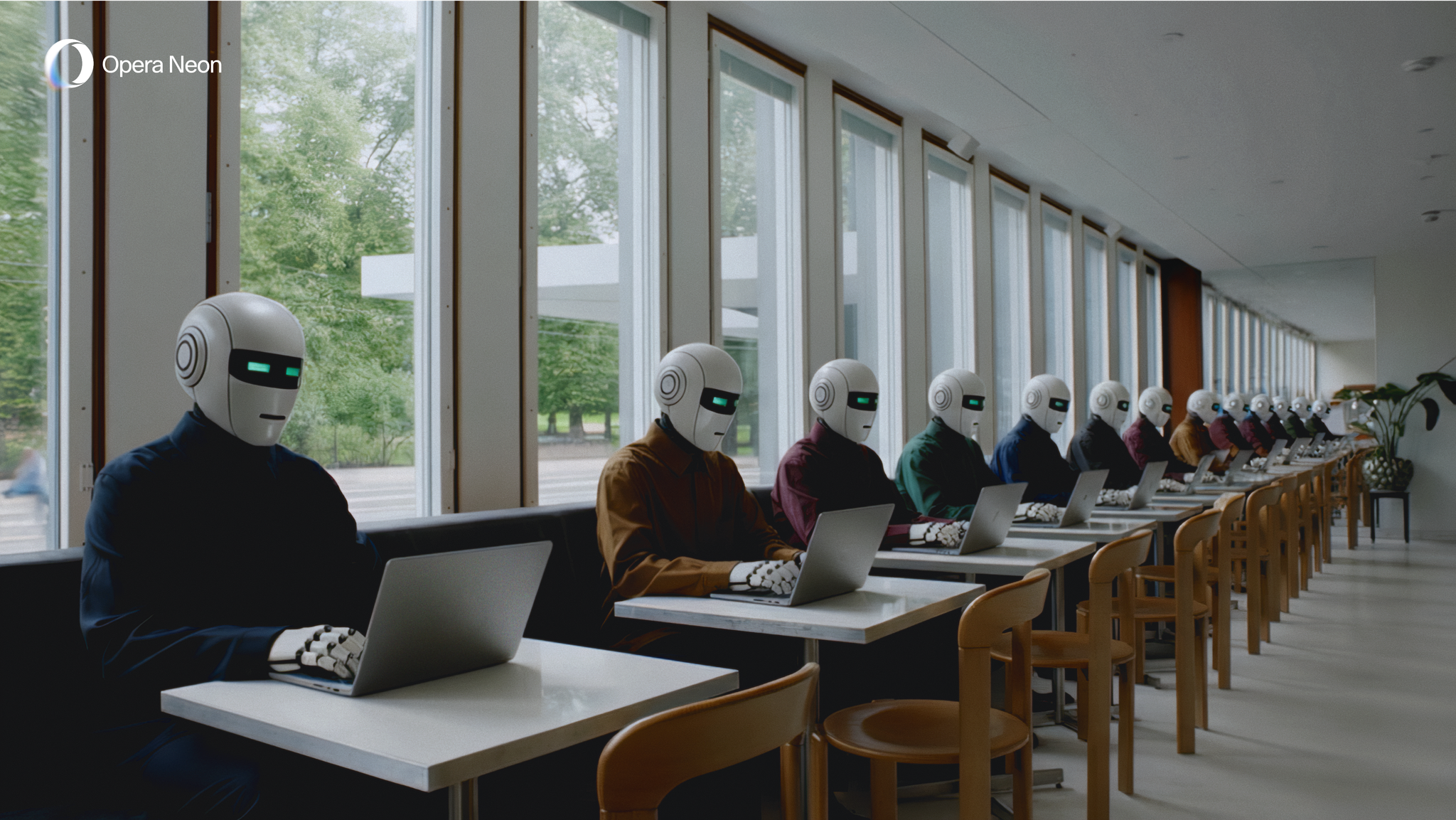
It’s still early days for Opera’s new AI browser. Neon has quirks, and not every feature feels ready for mainstream use. The Make interface can be confusing, and you’ll hit limits if you want more complex layouts or live data. But even with those caveats, the core experience feels exciting and new.
When I used Perplexity’s Comet earlier this year, I came away convinced that AI web browsers were the next frontier. After spending time with Opera Neon, I now think they’re only part of the story. The next big leap will come when browsers stop acting like windows and start acting like workbenches.
Neon isn’t perfect, but it’s the first browser that made me feel like the web was a place I could build again. I didn’t need coding skills or plugins to make something useful; I just needed an idea and a few minutes of curiosity.
Opera Neon is now available without an invitation, but it’s not a free experience. In fact, Opera wants you to pay $20/£20 a month to replace your standard web browser like Google Chrome. For that price, I don’t think Neon is likely to succeed, but it could lay the groundwork for a future where the app we already spend most of our digital lives becomes the place we build them too.
Follow TechRadar on Google News and add us as a preferred source to get our expert news, reviews, and opinion in your feeds. Make sure to click the Follow button!
And of course you can also follow TechRadar on TikTok for news, reviews, unboxings in video form, and get regular updates from us on WhatsApp too.
 The best TVs for all budgetsOur top picks, based on real-world testing and comparisons
➡️ Read our full guide to the best TVs1. Best overall:LG C52. Best under 1000:US: Hisense U8QGUK: TCL C7K3. Best under 500:US: Roku Plus SeriesUK: Amazon Fire TV Omni QLED
TOPICS AI John-Anthony DisottoSocial Links NavigationSenior Writer AI
John-Anthony Disotto is TechRadar's Senior Writer, AI, bringing you the latest news on, and comprehensive coverage of, tech's biggest buzzword. An expert on all things Apple, he was previously iMore's How To Editor, and has a monthly column in MacFormat. John-Anthony has used the Apple ecosystem for over a decade, and is an award-winning journalist with years of experience in editorial.
You must confirm your public display name before commenting
Please logout and then login again, you will then be prompted to enter your display name.
Logout Read more Claude Opus 4.5 is now live and "meaningfully better" at everyday tasks
 I just tried the Comet browser from Perplexity – and I can’t believe it’s free now
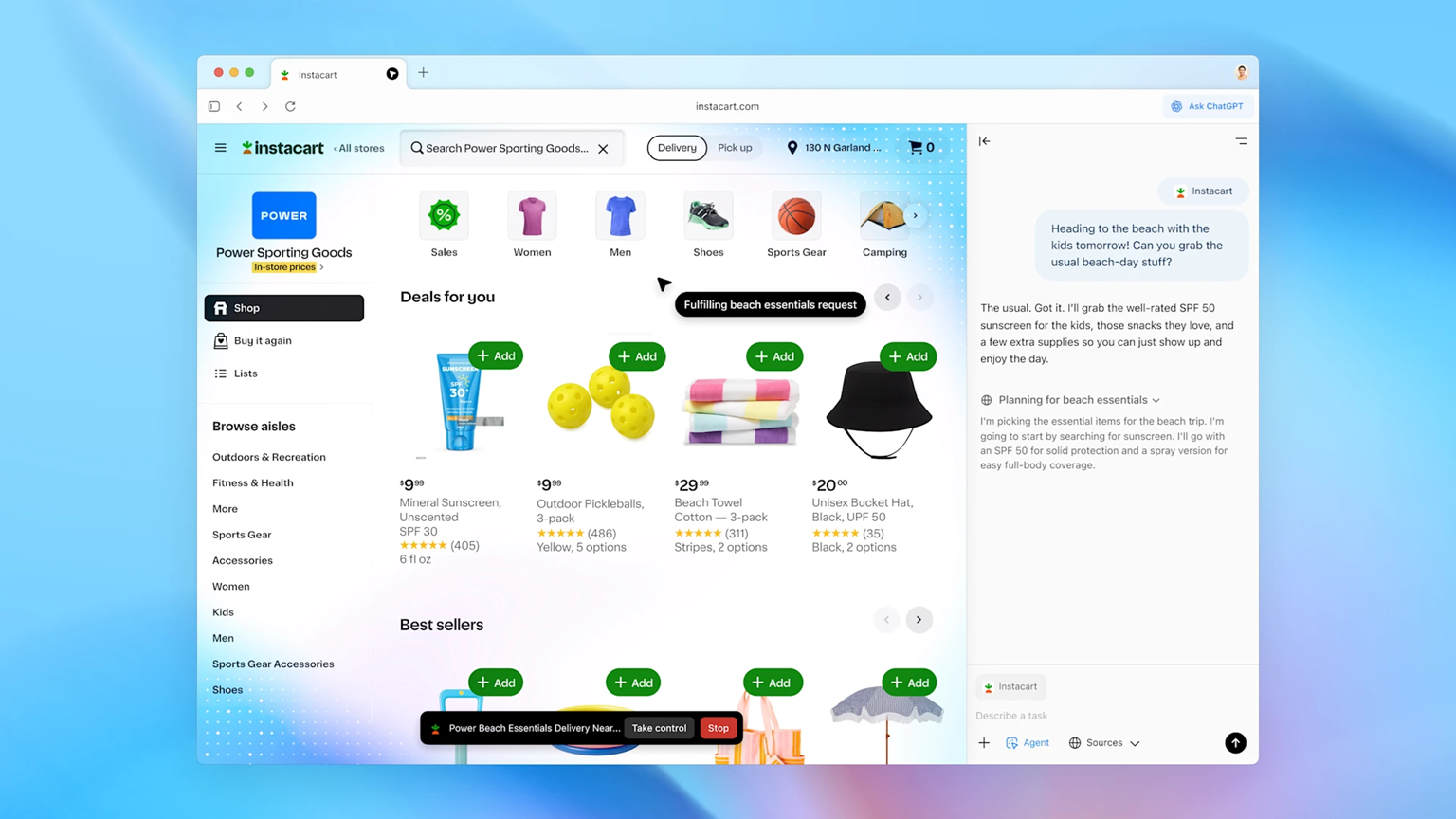 I've been using ChatGPT Atlas for 24 hours, and if you’re happy to give Sam Altman control over your life, you’re going to love it
 OpenAI launched a ChatGPT Atlas Browser – here are the 5 things you need to know
 Comet AI browser lands on Android
5 big updates coming to the ChatGPT Atlas browser
Latest in AI Platforms & Assistants
Comet AI browser lands on Android
5 big updates coming to the ChatGPT Atlas browser
Latest in AI Platforms & Assistants
 ChatGPT 5.2 is here and ready to show you professional AI
 Disney and OpenAI are set to open the vault to Sora — yet an AI Mickey feels like magic lost
 I tried Photoshop in ChatGPT — it's an awesome free AI superpower
 Hinge adds AI inspiration for starting conversations
 McDonald’s ends AI-generated Christmas commercials
 The future of Amazon has arrived – Alexa+ can now order products for you
Latest in Features
Opera Neon is now available, and I think it's an AI subscription worth paying for
The future of Amazon has arrived – Alexa+ can now order products for you
Latest in Features
Opera Neon is now available, and I think it's an AI subscription worth paying for
 Jennifer Lawrence's return to Hunger Games: Sunrise on the Reaping is spoiled
 5 essential stretches office workers should be doing every day, according to an expert
 5 rumored Samsung Galaxy S26 upgrades – from chipset surprises to magnetic charging
 Why is RAM so expensive right now? It's way more complicated than you think
 The Wix sale is back for a limited time - save a massive 50% on select Wix plans
LATEST ARTICLES
The Wix sale is back for a limited time - save a massive 50% on select Wix plans
LATEST ARTICLES- 1LG StanByME 2 review: a versatile TV that’s way more useful than I expected
- 2Which brand has the best pet hair tool? I tested a bunch to find out
- 3ChatGPT 5.2 is here and ready to show you professional AI
- 4Mysterious 88-core AMD CPU surfaces on eBay, and here's why I think it's the start of something big
- 5OpenAI admits new models likely to pose 'high' cybersecurity risk